

Latest Version
BOOTCODE A.S.
General
Mac
$4.99
441258766
Report a Problem
More About Magnet
The Chaos of a Cluttered Desktop
Imagine you are drafting an important corporate report. You need a web browser open for research, a spreadsheet active for data analysis, and a text editor to write your document. On a standard macOS setup, managing these windows quickly becomes a tedious cycle of dragging, resizing, and clicking. Instead of focusing on your work, you waste valuable minutes aligning edges. The Magnet Mac window management utility by BOOTCODE A.S. offers an elegant, system-level remedy to this persistent desktop friction.
Streamlining Workspaces with Magnet Mac Window Management
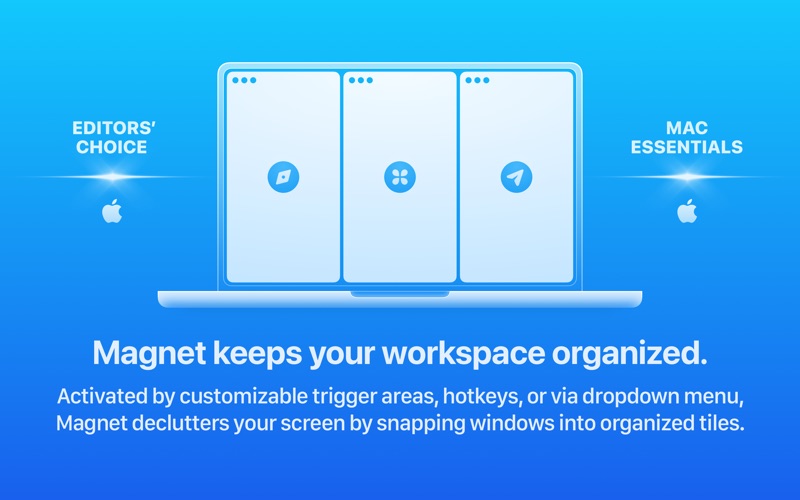
At its core, this utility eliminates manual window dragging by snapping your applications into organized, predefined layouts. Whether you prefer a clean side-by-side split, a vertical stack, or a complex grid across multiple screens, the software handles the positioning instantly. By transforming chaotic screen space into a structured grid, it allows professionals to maintain focus and maximize their visual real estate.
Versatile Activation Methods
One of the strongest aspects of this application is its flexibility. It adapts to your preferred workflow rather than forcing you to learn new habits:
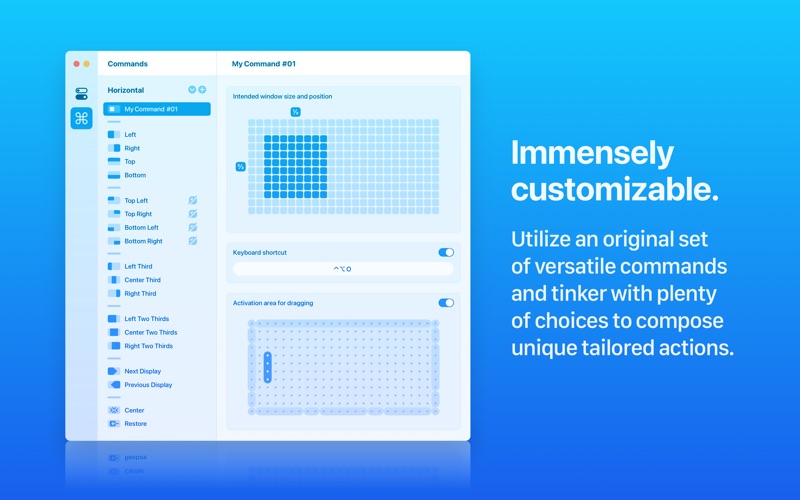
- Trigger Areas: Drag any window to the edges or corners of your screen to snap it instantly into halves, quarters, or thirds.
- Keyboard Shortcuts: Fully customizable key combinations let you reorganize your entire desktop without your hands leaving the keyboard.
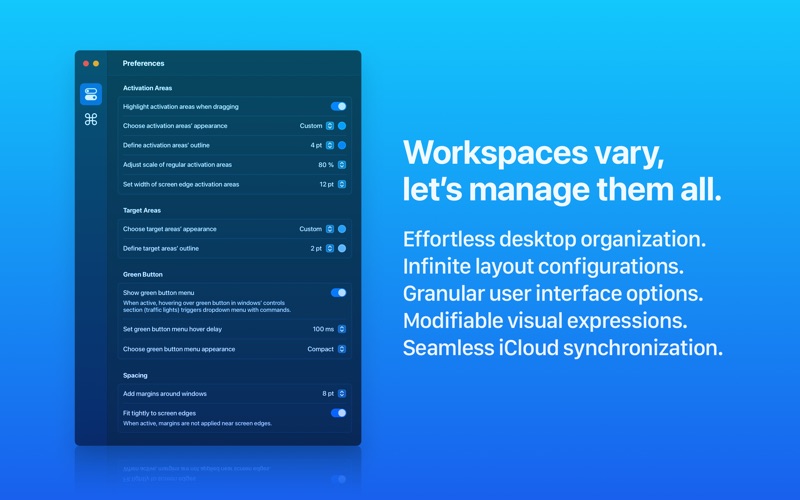
- Menu Bar & Green Button Integration: Quickly choose layouts from a clean drop-down menu or hover over the native macOS green maximize button.
Built for Modern macOS Environments
Developed with modern desktop demands in mind, the utility supports multi-monitor setups and vertical displays seamlessly. It is fully optimized for recent macOS iterations, including macOS 13 Ventura, macOS 14 Sonoma, and macOS 15 Sequoia. Furthermore, synchronization via iCloud ensures your custom preferences remain consistent across all your personal Mac hardware.
A Clean, Privacy-First Utility
In an era of recurring software fees and data tracking, this tool stands out for its straightforward licensing model. It is available as a perpetual license with no ongoing subscriptions or hidden in-app purchases. Crucially for corporate users, it operates with strict respect for user privacy, requiring no personal data collection to function.
Is It Right for You?
If you find yourself constantly minimizing and resizing applications to keep up with your workflow, investing in structured desktop organization is a logical step. To experience a cleaner, more efficient workspace, you can explore the application further and purchase it directly on the Official Mac App Store.
Rate the App
User Reviews













Popular Apps





Editor's Choice